 Bestseller
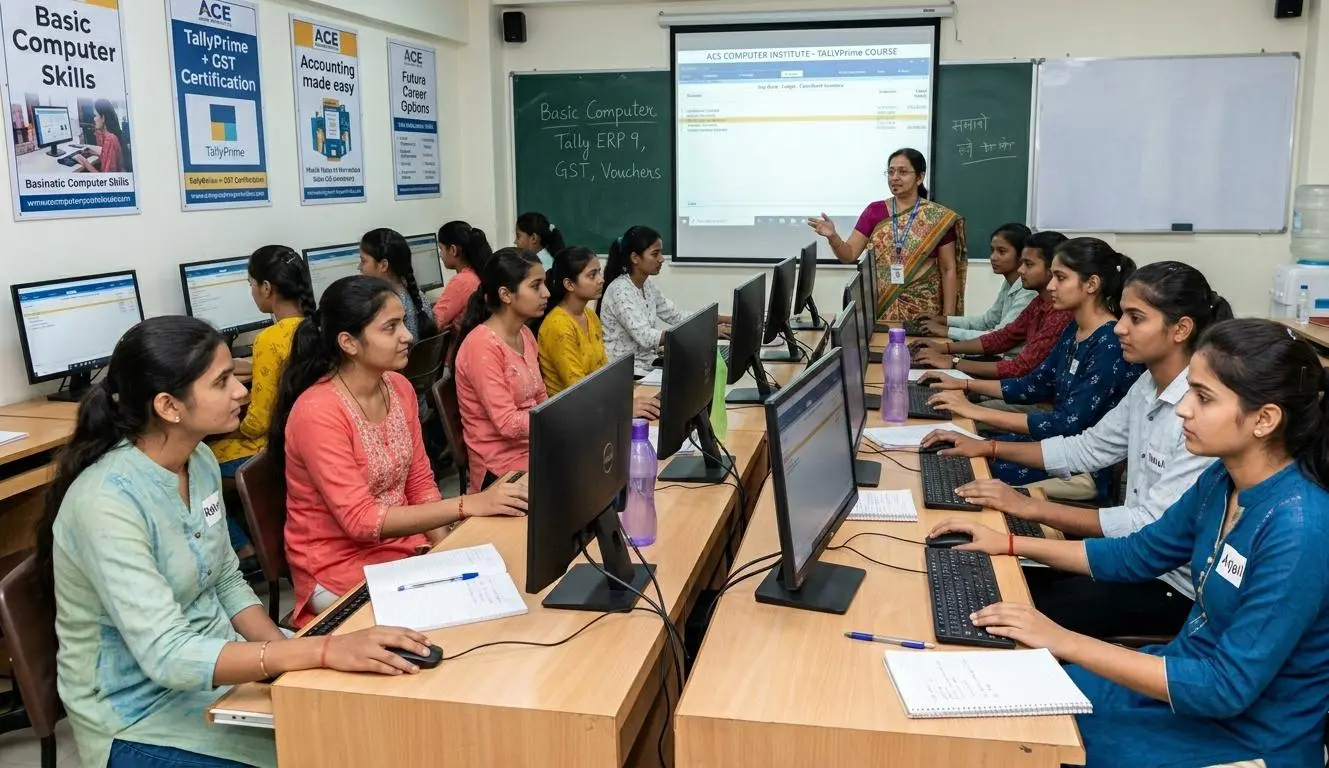
A Basic Computer Course provides foundational knowledge of hardware, software, and essential tools like MS Word, Excel, and the Internet. It is crucial for digital literacy, enabling individuals to navigate the modern world confidently. Learning this course boosts employability, improves office productivity, and ensures online safety.
FANDAMENTAL OF COMPUTER
1. Introduction
2. What is Computer?
3. Generations of computer
4. Characteristics of computer
5. Classification of computer
a. According to technology
b. According to size and capacity
6. Advantages and disadvantages of computer
7. Components of Computer System
a. Central Processing Unit (CPU)
b. Keyboard, mouse and VDU
c. Other Input devices
d. Other Output devices
e. Computer Memory
· Primary memory
· Secondary memory
8. Concept of Hardware and Software
a. Hardware
b. Software
· Application Software
· Systems software
9. Basics of operating system
10. Types of operating system
11. Introduction of windows as GUI and CUI
12. Common and difference between GUI and CUI
13. The user interface
a. Task bar
b. Icons
c. Menu
d. Running an application
14. OPERATING SYSTEM SIMPLE SETTING
a. Changing system date and time
b. Changing system properties
c. Changing mouse properties
· Accessibility option
· Date and Time
· Display
a. Calculator
b. Notepad
c. WordPad
d. Paint
a. Steps to Open Explorer
b. Parts of Explorer Screen
c. Performing Operating on Explorer
a. Restore The deleted Files/Folders
b. Arranging Files/Folders in Recycle Bin
c. To Empty Recycle Bin
d. Using Properties of Recycle Bin
Ø Types of word processors
Ø Creating and saving a document
Ø Editing and formatting a document including changing colour, size, font, alignment of text.
Ø Formatting of paragraphs with line or paragraph spacing
Ø Adding Header and Footer
Ø Numbering pages
Ø Using grammar and spell check utilities etc
Ø Printing a Document
Ø Inserting word art
Ø Clipart and pictures
Ø Page setting
Ø Bullets and numbering
Ø Border and shading format painter
Ø Find and replace
Ø Inserting tables
Ø Mail merge
Ø What is presentation
Ø Understanding the concept of slide show
Ø Basic elements of a slide
Ø Different types of slide layouts
Ø Creating and saving a presentation
Ø Different views of a slide
Ø Normal view
Ø Slide sorter view
Ø Editing and formatting a slide
Ø Adding titles
Ø Subtitles
Ø Text
Ø Background
Ø Header and footer
Ø Numbering slides and inserting pictures and sound in slides
Ø Inserting pictures from files
Ø Animating pictures and text with sound effects
Ø Project to make presentation (on any topic)
Introduction to worksheet
Ø Types of worksheet
Ø Creating & saving wordbook and worksheet
Ø Working with spreadsheet
Ø Saving and printing a workbook
Ø Editing the worksheet
Ø Worksheet formatting
Ø Cell formatting
Ø Entering formula: - Cell reference
Ø Functions: - The function wizard
Ø Auto calculate
Ø Date and time functions
Copyright © 2026 khazani Women's Vocational Institute. All Rights Reserved