 Bestseller
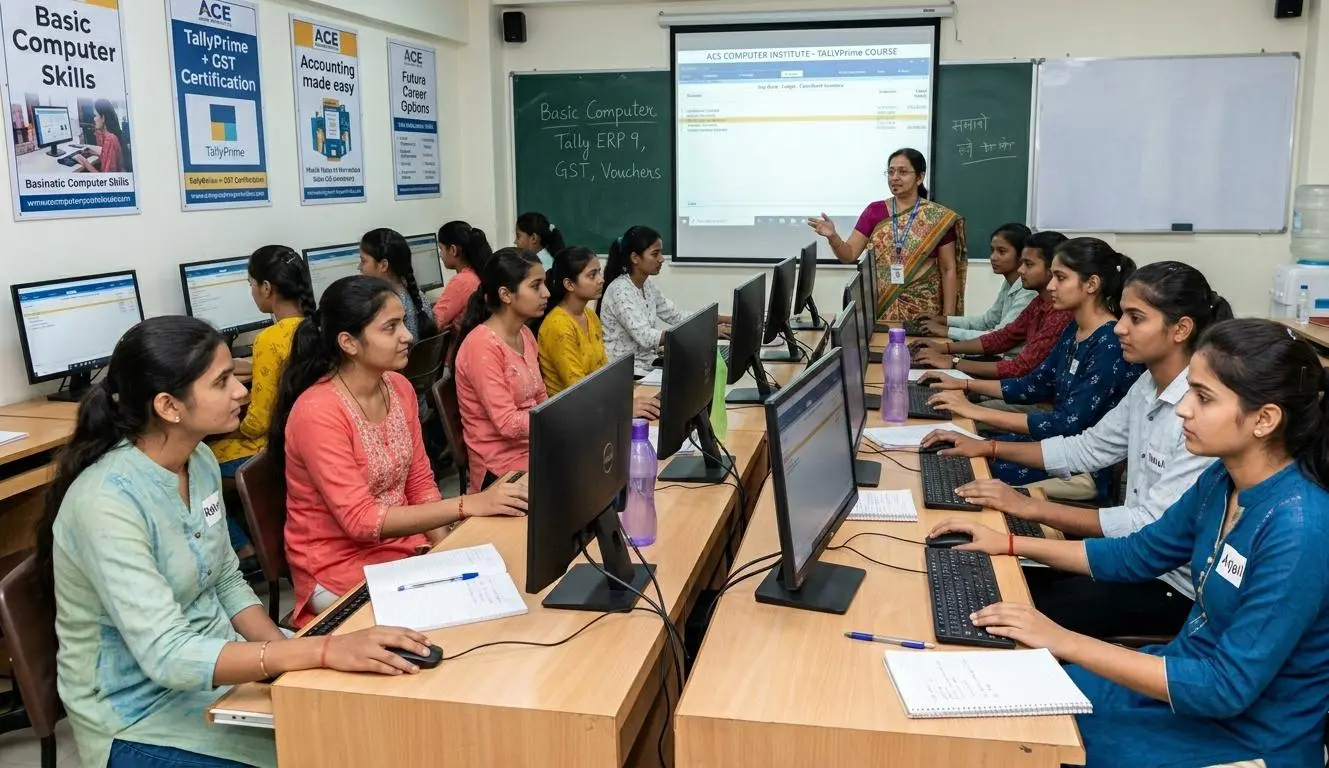
The Computer Science course is designed to build a strong foundation in computer fundamentals and essential IT skills. The program includes training in computer operations, MS Office, internet usage, basic programming ,Graphic Designing concepts, and practical lab work. With a hands-on learning approach, the course prepares students for office roles, further studies, or self-employment opportunities.
1. MS Office Suite (LATEST):
· Microsoft Word
· Microsoft Excel
· Microsoft PowerPoint
· Microsoft Paint
· Notepad
· WordPad
2. Managing Desktop
3. Settings
4. Creating, Moving, Copying, Renaming Files and Folders
5. Printer Usage and Document printing
6. Using Internet, searching ,saving
7. Email Handling
8. Recycle Bin
- Restore the Deleted Files/Folders
- Using Properties of Recycle Bin
- How to Empty Recycle Bin
9. Theory:
· Chapter 1: Fundamentals of Computer
· Chapter 2: Operating System
· Chapter 3: Windows Accessories
· Chapter 4: Desktop Exploration
· Chapter 5: Virus
MODULE 2: GRAPHIC DESIGN
1. CorelDRAW:
· Tools Usage
· Logo Designing
· Sign Making
· Business Card
· Illustrations
· Posters , Flyers, Banners
· Invitations
· Infographics
· Menu Card Designing
· Mood Board
· Color Board
· 3D Text and other Effects
2. Photoshop:
· Tools Usage
· Editing & Enhancing Images
· Compositing
· Collage Making
· Effects - Double Exposure Effect,
Text Portrait
Adding Patterns
Digital Motifs
Light Effect
Shadow Effect
Photo Manipulation
Fire Text Effect
Glow Effect and others
3. InDesign:
· Tools and Theory
4. Canva and AI Tools for Designing
5. Theory of CorelDRAW, Photoshop, InDesign
6. Project File Work
MODULE 3: WEB DESIGN (HTML, DHTML, JAVASCRIPT)
1. HTML:
· Page Structure
· HTML Tags (Formatting Tags, Marquee Tag, Image and Video Tag, Ordered and Unordered List Tag, Comment Tag, HTML Character Tags, Color Tags, Photo Tag, Video Tag, Frame Tag, Creating Table, HTML Forms)
· Link Tags - Internal and External Linking Between Pages
2. DHTML:
· Style Sheets
· Inline Sheet
· Internal or Embedded Style Sheet
· External Linked
3. JavaScript:
· Variables
· Operators (Arithmetic, Comparison, Logical)
· Statements (If Else)
· Array
· Loops (For Loop, While Loop, Do While Loop)
· Patterns
· String
· Event Handling
4. Introduction of internet
5. Theory of HTML, DHTML, JavaScript, Dreamweaver
6. Web Page Designing
MODULE 4: C++
1. OOPs
2. Object
3. Class
4. Encapsulation
5. Inheritance
6. Polymorphism
7. Constructor & Destructor
8. Pointers
9. Array
10. If Else Statements
11. Switch Statement
12. Loops
13. Theory of C++
Copyright © 2026 khazani Women's Vocational Institute. All Rights Reserved